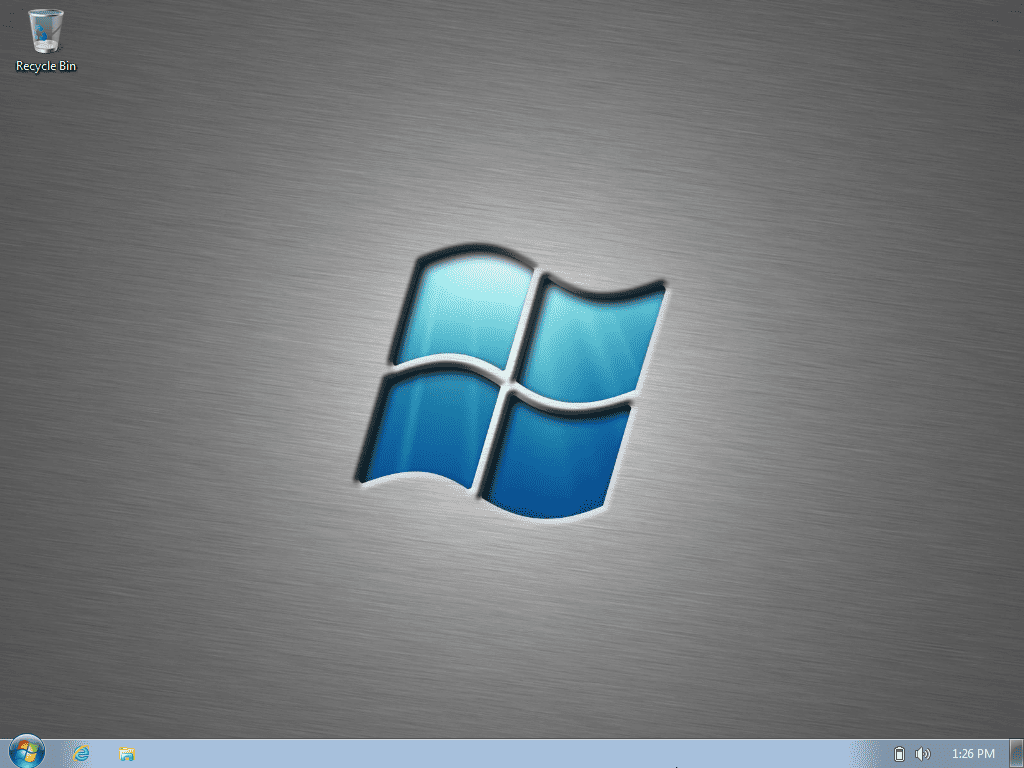
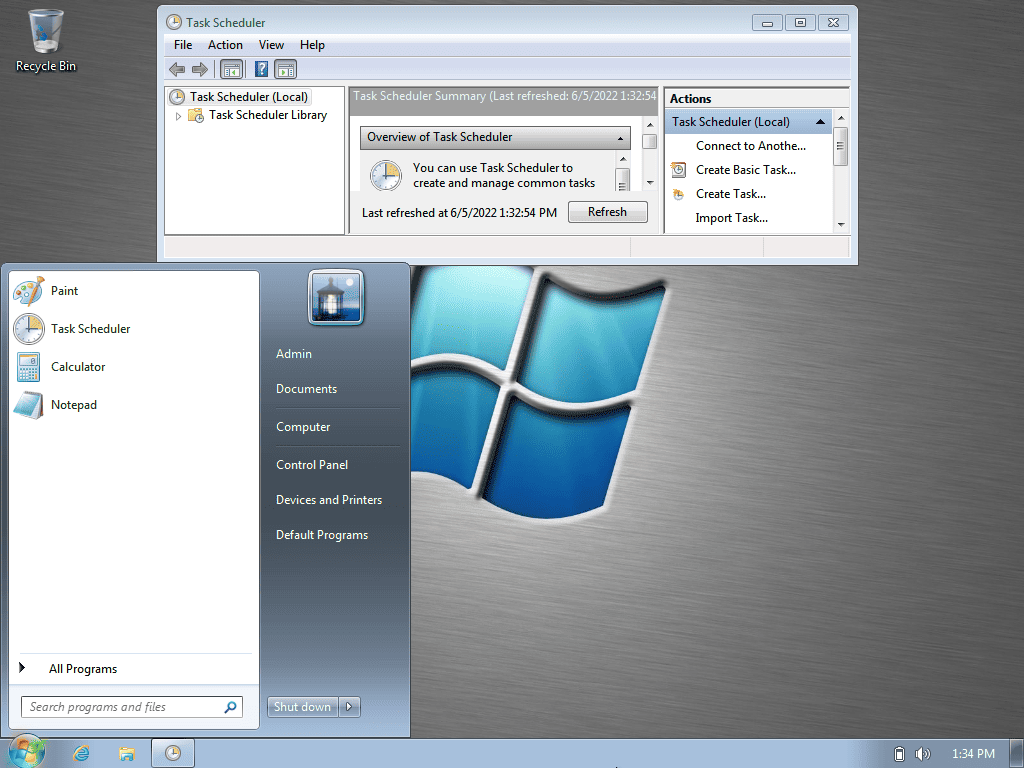
Windows 7 X-Lite+: Super lightweight version of Windows 7
Windows 7 X-Lite+ is an upgraded version of Windows 7 X-Lite, continuing to aim to provide a lightweight, fast and resource-saving Win 7 operating system. This Win 7 Lite + version still maintains a compact size for low-configuration computers / laptops, but adds some features to improve the user experience. Windows 7 X-Lite+
Windows 7 X-Lite+Improvements over Windows 7 X-Lite
Windows 7 X-Lite+ has improvements over the previous version ( Windows 7 X-Lite ):.NET Framework remains unchanged: Helps ensure compatibility with a wide range of applications and software.
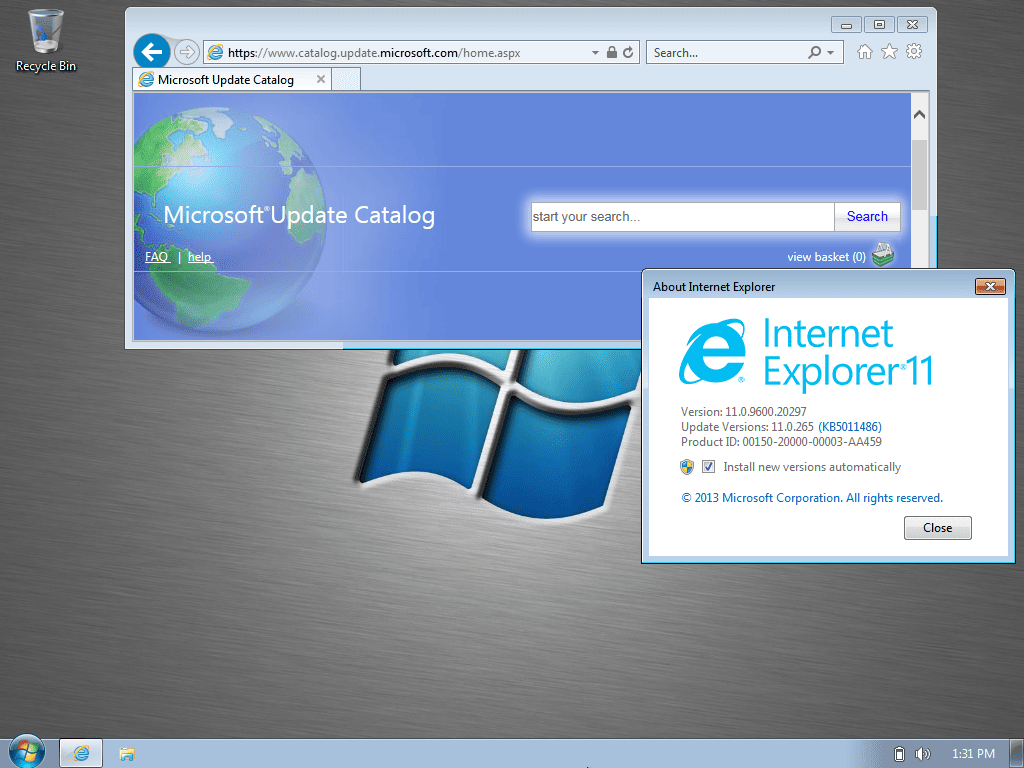
Added Internet Explorer 11: Default web browser for those who still need it.
The components have been removed.Windows Media Player
Tablet PC (Tablet PC Components)
SideBar
Gadgets
Features
Mail
WinRE (Windows Recovery Environment)
Backup & Restore
Games
Diagnostics
Action Center
Speech (Speech Recognition)
Sync Center
Defender ( Windows Defender )
Workspaces
BitLocker (Drive Encryption)
Smart Card
Fax
Hyper-V (Virtualization Technology)
Error Reporting
Network Adapter Drivers
Some Fonts
Language Support
Update Support
WinSAT (Windows System Assessment Tool)
Remote Access
Sounds
…
Features have been disabledHibernation
SuperFetch (Accelerate application access)
Automatic Maintenance
Virtual Memory
Logging
Diagnostics
System RequirementsUse Rufus to burn the ISO file to a USB drive.
Boot from the USB drive and perform a fresh installation to the desired partition.
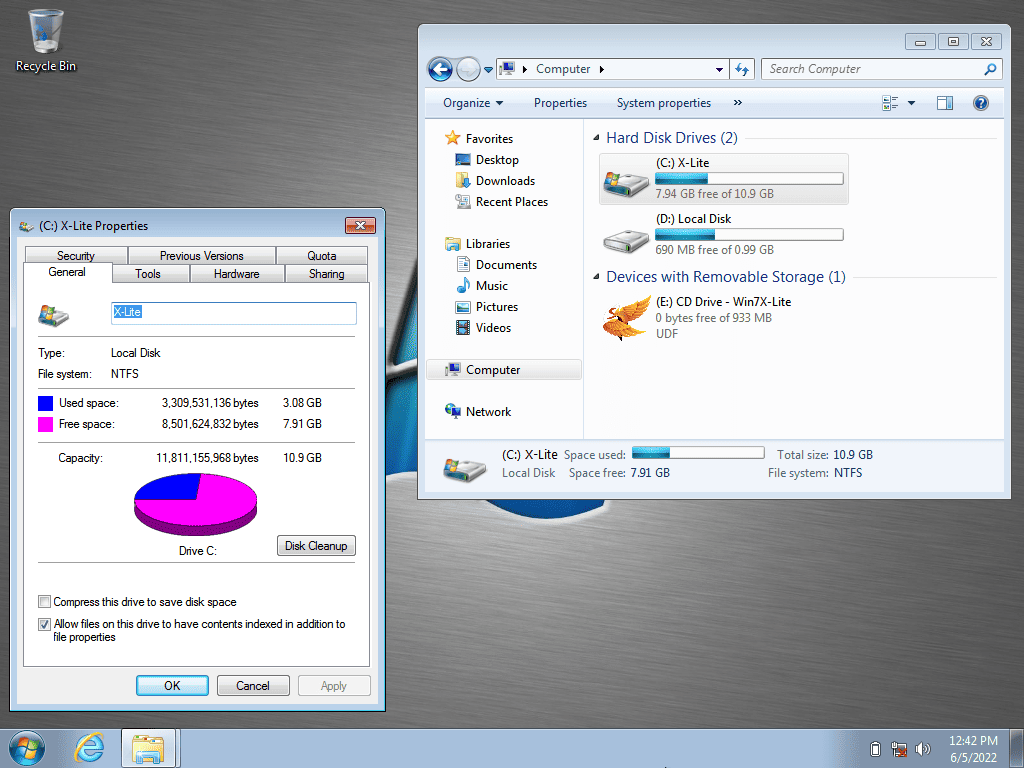
Requires 2GB RAM, 5GB storage.
Important Note:This build is available in English (US) only, no support for additional languages or language updates.
You need to prepare the internet network driver (Network Adapter Drivers) in advance.
You need to activate your Windows license after installation using your personal license or the included activation tool.
Enable Virtual Memory to avoid application crashes and improve system stability.
Screenshot